 taxi service
 car rental
 Airport Transfer
 shuttle service
 charter bus
 Logistic
 Advertising Solution
 bluebird kirim
 corporate solution
 hotel & resort
 caready
 supporting service
How to Get a Ride Faster with MyBluebird's Multi-Select Feature
Published On 09 Nov 2026
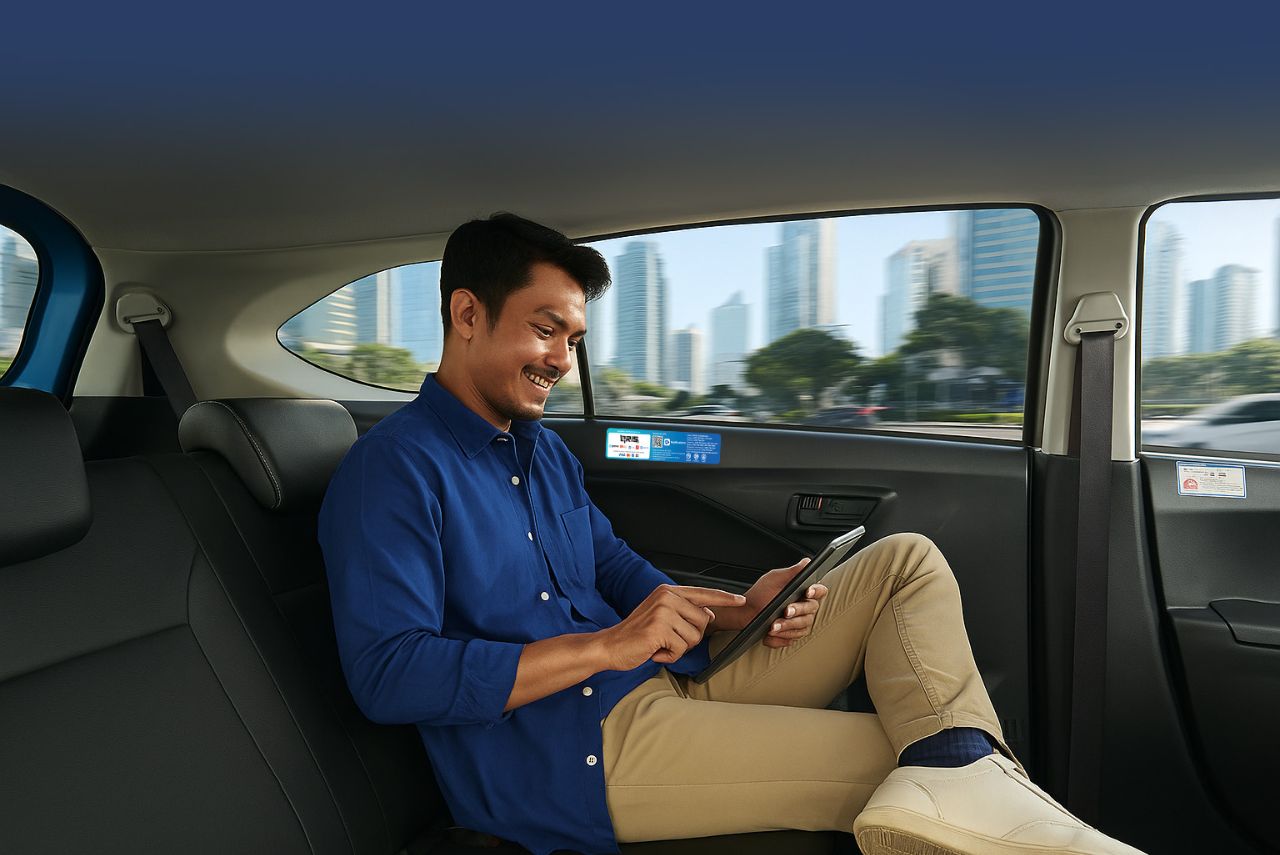
Finding a taxi during rush hour or heavy rain can take a long time and delay your journey. This is especially inconvenient if you need to get to the Airport, your hotel, or another destination quickly.
The Multi-Select Bluebird feature on the MyBluebird app makes booking a taxi easier. It lets you select multiple vehicle categories in a single booking, saving you the time and effort of making separate bookings.
What Is MyBluebird’s Multi-Select Feature?
Multi-Select in the MyBluebird app lets you choose multiple vehicle types at once. You can combine options such as Bluebird Regular, Bluebird Prime, and the executive Silverbird service.
After you tap the Order button, the app will find the nearest available driver from your selected vehicle categories. This gives you more options to find a taxi sooner, though pickup times still depend on vehicle availability.
The available vehicle categories also vary by service area. Silverbird operates in Greater Jakarta. Bluebird Prime is also available in several other cities, including Bali, Bandung, Medan, and Surabaya.
Benefits of Using the Multi-Select Feature
Bluebird’s Multi-select feature adds convenience, especially when you need guaranteed transportation in urgent situations. Here are its main benefits.
1. More Chances of Finding a Nearby Taxi
Your booking covers several selected vehicle categories, not just one. If a driver is available in any of those categories, you have more options for securing a ride.
2. Save Time When Booking
If your preferred taxi type is hard to find, you won't need to start a separate search for another category immediately. Your selected fleets are included in one request.
3. Flexible Transport Options
This feature gives you more flexibility to choose from the available transportation options based on your travel needs. You can combine standard and premium vehicle categories in a single booking.
How to Use the Multi-Select Feature on the MyBluebird App
To try this feature, open the taxi booking section of the MyBluebird app. Check the on-screen instructions, as the interface and available services may change with app updates.
- Open MyBluebird and select Ride.
- Find your pickup location and destination.
- Select multiple vehicle types available at your pickup location.
- Review the displayed fares and choose your payment method.
- Confirm your booking and track your driver's arrival via the app.
When Should You Use the Multi-Select Feature?

Having more vehicle options can be especially useful when you need a taxi quickly. Here are some everyday situations when the feature may come in handy.
1. Getting to the Airport
When you're heading to the airport for a flight, every minute counts. Selecting multiple vehicle categories in one booking gives you more options when arranging your airport transfer
2. Leaving During Rush Hour
Taxis near office buildings can be in high demand at the end of the workday. The Multi-Select feature can help you find a taxi to get home, return to your hotel, or reach another destination after a meeting in central Jakarta.
3. Heavy Rain
When it rains heavily, many people turn to taxis at the same time. Selecting multiple vehicle categories lets the app search across your options, increasing your chances of finding an available vehicle in bad weather.
4. Leaving Events or Concerts
When a concert, exhibition, or major event ends, many attendees look for transportation at the same time. This feature gives you more vehicle options when booking a taxi from the event venue.
Tips Using Multi-Select Feature for Daily Commutes
Before confirming your booking, check a few details to help your driver find you easily. Here are some practical tips.
1. Update the MyBluebird App
Check for MyBluebird app updates on Google Play or the App Store before booking. Updating to the latest version helps you access new features, improvements, and service enhancements as they become available.
2. Choose Your Payment Method
Choose the payment method that best suits your preferences from the app's options. You can pay in cash or use a cashless method, such as a credit or debit card, QRIS, or a digital wallet.
3. Check Your Pickup Location
Shopping centers, hotels, and conference venues may have designated pickup areas. Place your pin at an accessible entrance, then check the driver's details and meeting instructions when confirmed.
4. Make Sure Your Internet Connection Is Stable
Keep your internet connection stable from booking through pickup so you can access your trip details in the MyBluebird app. If you need to change your pickup point, follow the app instructions and contact your driver to confirm the new location.
Book a Taxi with the Multi-Select Feature on the MyBluebird App
If you're open to different types of Bluebird taxis, Multi-select Bluebird lets you search for them together. That can save you from searching each category separately during busy hours.
The next time you need a taxi in Indonesia, open the MyBluebird app and choose several available taxi types that suit your trip. Check your pickup point, then send your request.
Download Aplikasi MyBluebird  WhatsApp Bebi
 BACK